Every day, cybercriminals send billions of emails pretending to be someone else — your CEO, your bank, your favorite brand, or even you. One successful impersonation can cost a company its reputation, its customers, and sometimes millions of dollars. The scary part? Most of these attacks succeed not because the attackers are sophisticated, but because the targeted domains leave the front door wide open.
DMARC is that front door lock. And if your business sends email from its own domain — invoices, newsletters, transactional receipts, sales outreach — you need it. Not next quarter. Not "when we get around to it." Now.
This guide explains what DMARC is, why it matters, how it actually works under the hood, and how to roll it out without breaking your legitimate email flow.
What Is DMARC?
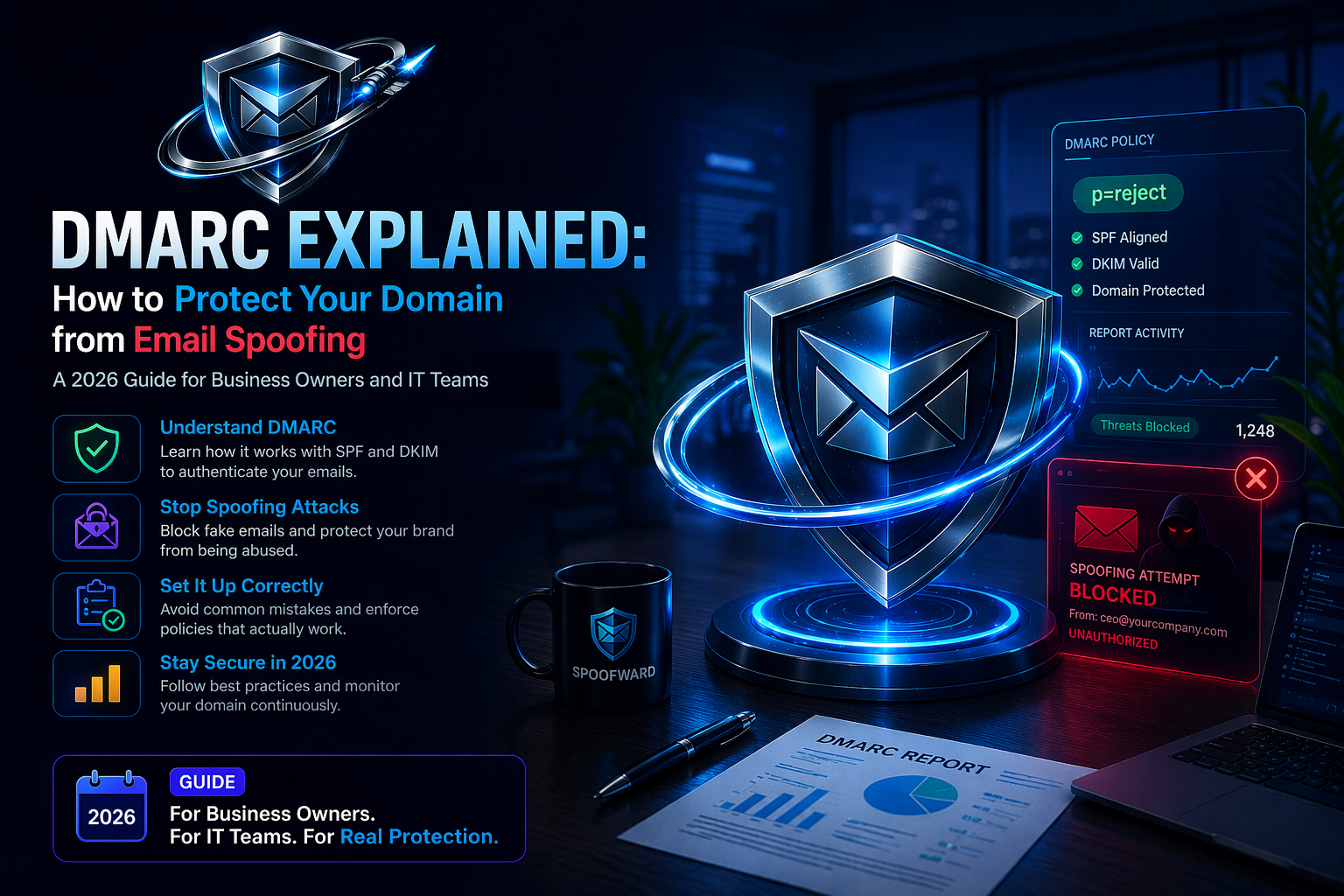
DMARC stands for Domain-based Message Authentication, Reporting, and Conformance. It is an open email authentication standard that tells the world's email receivers — Gmail, Outlook, Yahoo, Apple Mail, corporate mail servers — exactly what to do when a message claims to come from your domain but fails to prove it.
In plain English: DMARC is the policy that answers the question, "Someone just sent an email saying they're from yourdomain.com. Should I trust them?"
Without DMARC, every mailbox provider makes that decision on its own, using its own rules, and the answer is usually "probably, I guess." With DMARC, you set the rules, publish them publicly, and every inbox on the planet respects them.
Why DMARC Is No Longer Optional
For years, DMARC was considered a nice-to-have — something security-conscious enterprises implemented while everyone else hoped for the best. That era ended in early 2024, when Google and Yahoo jointly announced new sender requirements: any domain sending more than 5,000 messages a day to their users must have DMARC in place. Microsoft followed shortly after. Apple's strict filtering has rewarded DMARC-authenticated senders for years.
The practical consequences are immediate:
Phishing and business email compromise (BEC) attacks are the number-one cause of financial loss from cybercrime, according to the FBI's Internet Crime Complaint Center. Most of them rely on domain spoofing, and most of them are trivially preventable with a correctly configured DMARC policy.
Your deliverability also suffers without it. Inboxes increasingly treat unauthenticated mail the way they treat obvious spam — by routing it to the junk folder or dropping it entirely. If your legitimate marketing emails, password reset links, or customer invoices never reach their destination, you are losing revenue in a way you cannot even measure.
And then there is trust. When an attacker spoofs your domain to defraud your customers, those customers do not blame the attacker. They blame you. DMARC prevents that scenario from ever starting.
How DMARC Actually Works
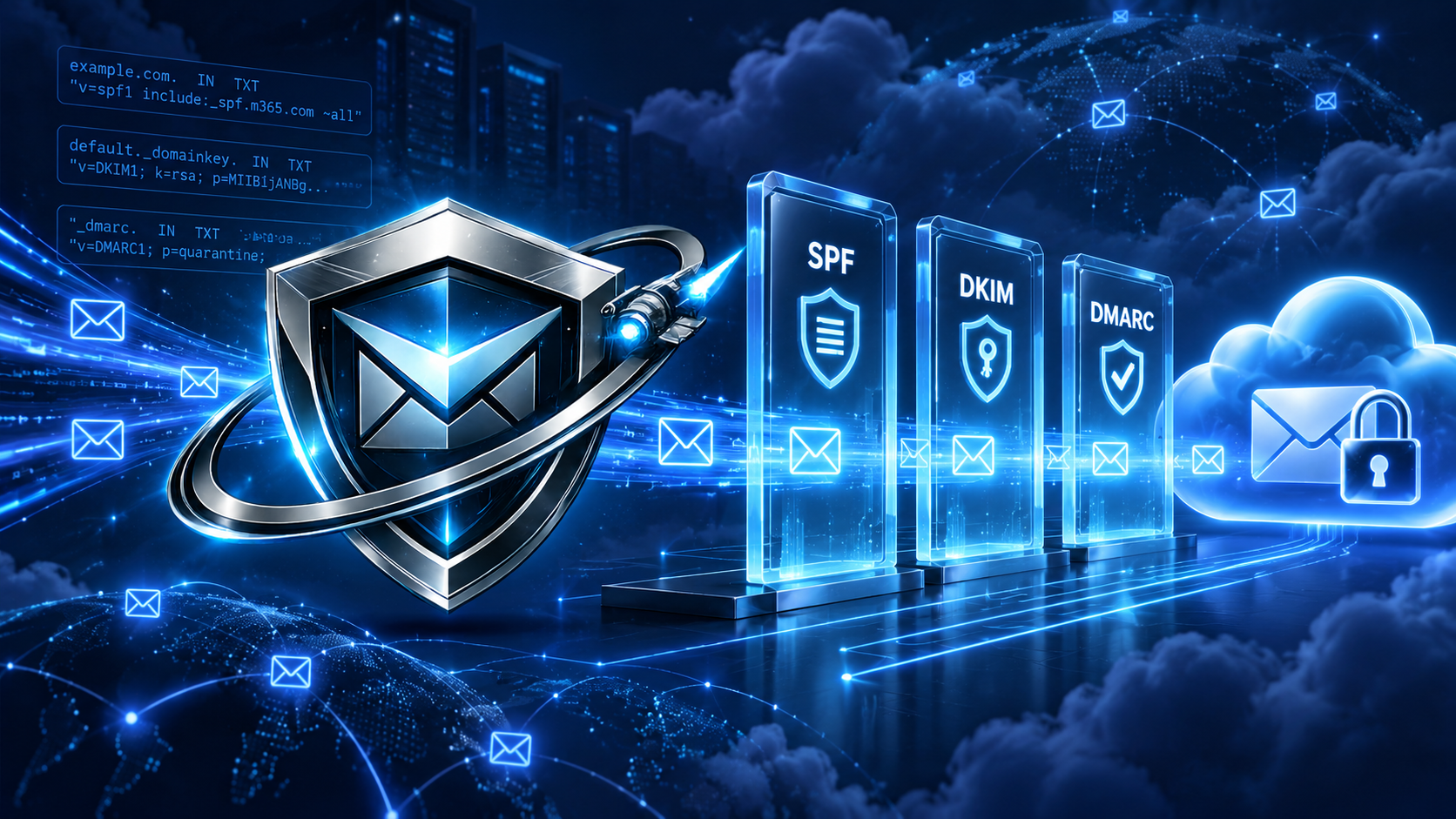
DMARC does not work alone. It builds on two older authentication standards: SPF and DKIM. Think of SPF and DKIM as the locks, and DMARC as the security guard who checks whether the locks are engaged and what to do if they are not.
SPF (Sender Policy Framework) is a DNS record that lists every server allowed to send email on behalf of your domain. When a receiving server gets a message claiming to be from you, it checks whether the sending IP is on that list.
DKIM (DomainKeys Identified Mail) adds a cryptographic signature to every outgoing message. The receiving server looks up your public key in DNS and verifies the signature, proving the message was not tampered with in transit and genuinely originated from a sender authorized to sign on behalf of your domain.
DMARC ties them together with two additional features that SPF and DKIM lack on their own:
First, DMARC enforces alignment. It is not enough for a message to pass SPF or DKIM against some domain — the authenticated domain must match the domain in the visible "From" header. This is what stops spoofers from slipping past SPF by authenticating against their own throwaway domain while forging your name in the display header.
Second, DMARC publishes a policy. You, the domain owner, tell the world what to do when a message fails authentication. There are three choices:
- p=none — monitor only. Receivers report what they see but deliver the mail as normal. This is the starting point for every DMARC rollout.
- p=quarantine — send failed messages to the spam folder.
- p=reject — refuse failed messages outright. They never reach the recipient.
A domain at p=reject is effectively unspoofable for any receiver that honors DMARC, which today means virtually every major inbox provider in the world.
The Hidden Superpower: DMARC Reports
Publishing a DMARC record unlocks something most people do not realize until they see it for the first time: visibility.
When you add a rua tag to your DMARC record, every mailbox provider that receives mail claiming to be from your domain will send you a daily XML report listing every source IP, every authentication result, and every volume count. Overnight, you go from flying blind to having a complete intelligence feed on who is sending email as your domain — authorized or not.
This is where most organizations discover surprises. A forgotten marketing tool still sending from an old IP. A contractor's server that was never added to SPF. A phishing campaign impersonating your brand from a bulletproof host in another country. You cannot fix what you cannot see, and DMARC reports are the only way to see it.
The catch: these reports arrive as raw XML, dozens or hundreds per day, from providers all over the world. Reading them by hand is impossible at any meaningful scale. This is why DMARC platforms exist — to ingest, parse, correlate, and translate that firehose of data into something a human can act on.
Rolling Out DMARC Without Breaking Your Email
The biggest fear IT teams have about DMARC is legitimate: a misconfigured policy can quarantine or reject your own email. This fear has kept countless organizations stuck at "we'll do it next quarter" for years. The good news is that a staged rollout makes the process safe and predictable.
Step one is to audit every service that sends email on your behalf. Your marketing automation platform, your CRM, your transactional mail provider, your billing system, your helpdesk, your HR tools, your CI/CD notifications. Write them all down. Most organizations find they have two to three times more email sources than they initially estimated.
Step two is to configure SPF and DKIM for each of those sources. SPF gets updated in your DNS; DKIM gets configured in the sending service's admin panel, which gives you a public key record to publish in DNS. Take your time here — this is the foundation.
Step three is to publish a DMARC record at _dmarc.yourdomain.com starting with p=none and a reporting address. Let it run for two to four weeks. Collect reports. Identify every legitimate sender that is failing alignment and fix it. Identify every unauthorized sender and block or ignore it.
Step four is to move to p=quarantine with a small percentage (pct=10 is a typical starting point) to test the waters. Monitor reports and user complaints. Gradually increase the percentage.
Step five is to reach p=reject with pct=100. Congratulations — your domain is now effectively unspoofable.
The entire process typically takes six to twelve weeks depending on the complexity of your email infrastructure. Rushing it is the only way to break things; patience is the entire trick.
Common Mistakes That Break DMARC Rollouts
A few traps catch almost everyone doing this for the first time.
Publishing a DMARC policy without first fixing SPF and DKIM causes legitimate mail to fail immediately. DMARC is the report card; SPF and DKIM are the homework. Do the homework first.
Ignoring the pct tag when moving to enforcement causes a sudden all-or-nothing switch. Always phase in enforcement gradually.
Forgetting about subdomains is a classic oversight. Your _dmarc.yourdomain.com record protects the root, but attackers love to spoof marketing.yourdomain.com or support.yourdomain.com. Use the sp= tag to set a subdomain policy, or publish explicit DMARC records for each subdomain you use.
Using a personal mailbox as your rua reporting address will bury you in XML within 48 hours. Use a dedicated DMARC processing service or platform that aggregates and interprets the reports for you.
Finally, treating DMARC as "set and forget" is the most expensive mistake of all. Email infrastructure changes constantly — new tools get added, old keys expire, vendors change sending IPs. DMARC requires ongoing monitoring, not a one-time project.
The Business Case in One Paragraph
If you send email from your domain, DMARC does three things that directly affect your bottom line: it prevents criminals from impersonating your brand to defraud your customers, it improves the percentage of your legitimate email that actually reaches the inbox, and it gives you visibility into every service sending mail on your behalf. The cost of implementation is measured in hours. The cost of not implementing it is measured in reputational damage, legal exposure, and lost revenue you will never be able to quantify.
Where to Go From Here
Start by checking your current DMARC status. If you do not have a record, publish one at p=none today — it costs you nothing and immediately begins producing actionable intelligence. If you already have one, verify it is configured correctly, that reports are being collected, and that your enforcement policy is strong enough to actually stop spoofing.
The technology is mature. The standards are stable. The business case is overwhelming. The only question left is whether your domain will be protected by the end of the quarter, or whether you will wait until after the incident to wish you had acted sooner.
Free DMARC record checker tool
Start free trial
Stay in the loop
Get notified when we publish new email security insights.